Ask a Question
Ask your documents a question. Get an answer with its source.
Ask in plain English. Compleka answers from your own policies and procedures and shows the documents each answer came from, so you can check it in a click.
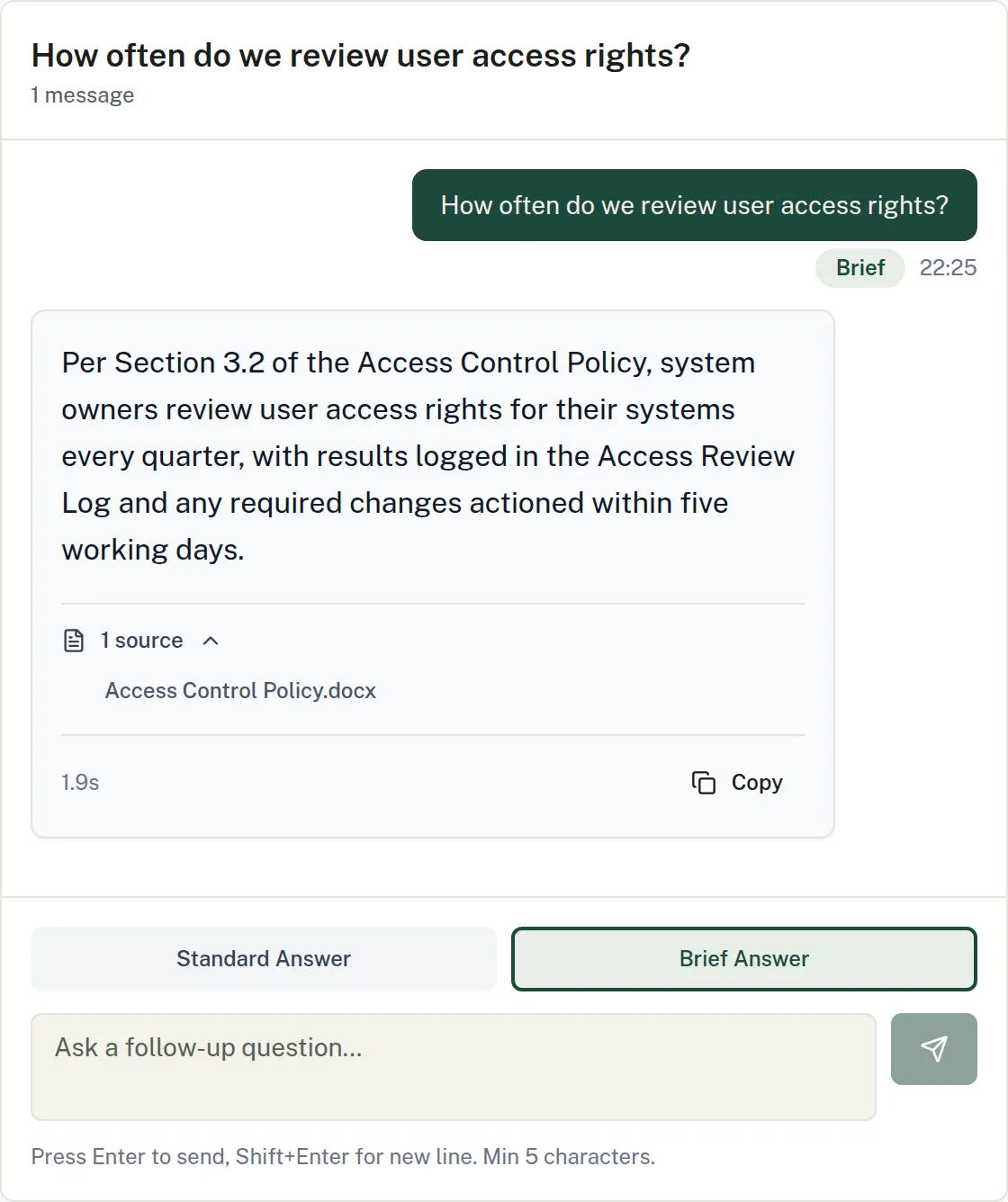
The problem
Nobody remembers which policy says what
The answer is somewhere in a procedure written two revisions ago. Finding it means opening five files and hoping you found the current one.
How it works
- 01
Ask
Type a question the way you would ask a colleague.
- 02
Read the answer
It is drawn only from your own documents, with references to the policies it came from.
- 03
Keep going
Conversations keep context between questions, so follow-ups work.
In the app
- Enlarge screenshot.
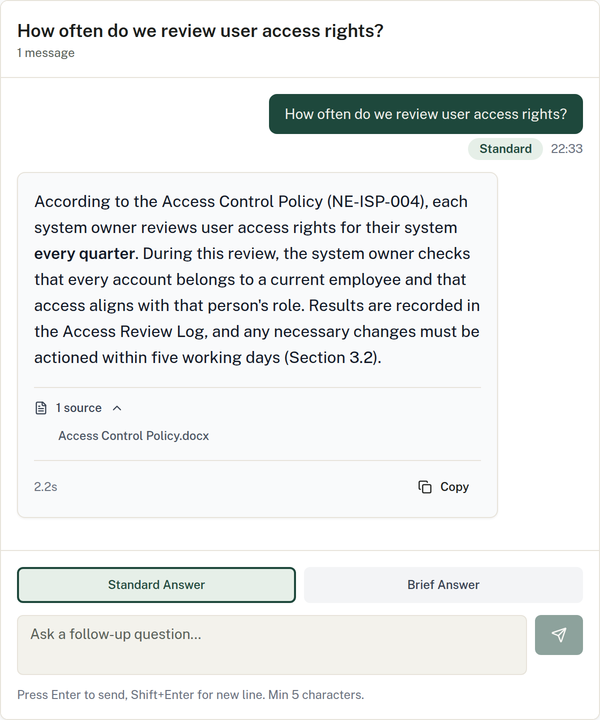
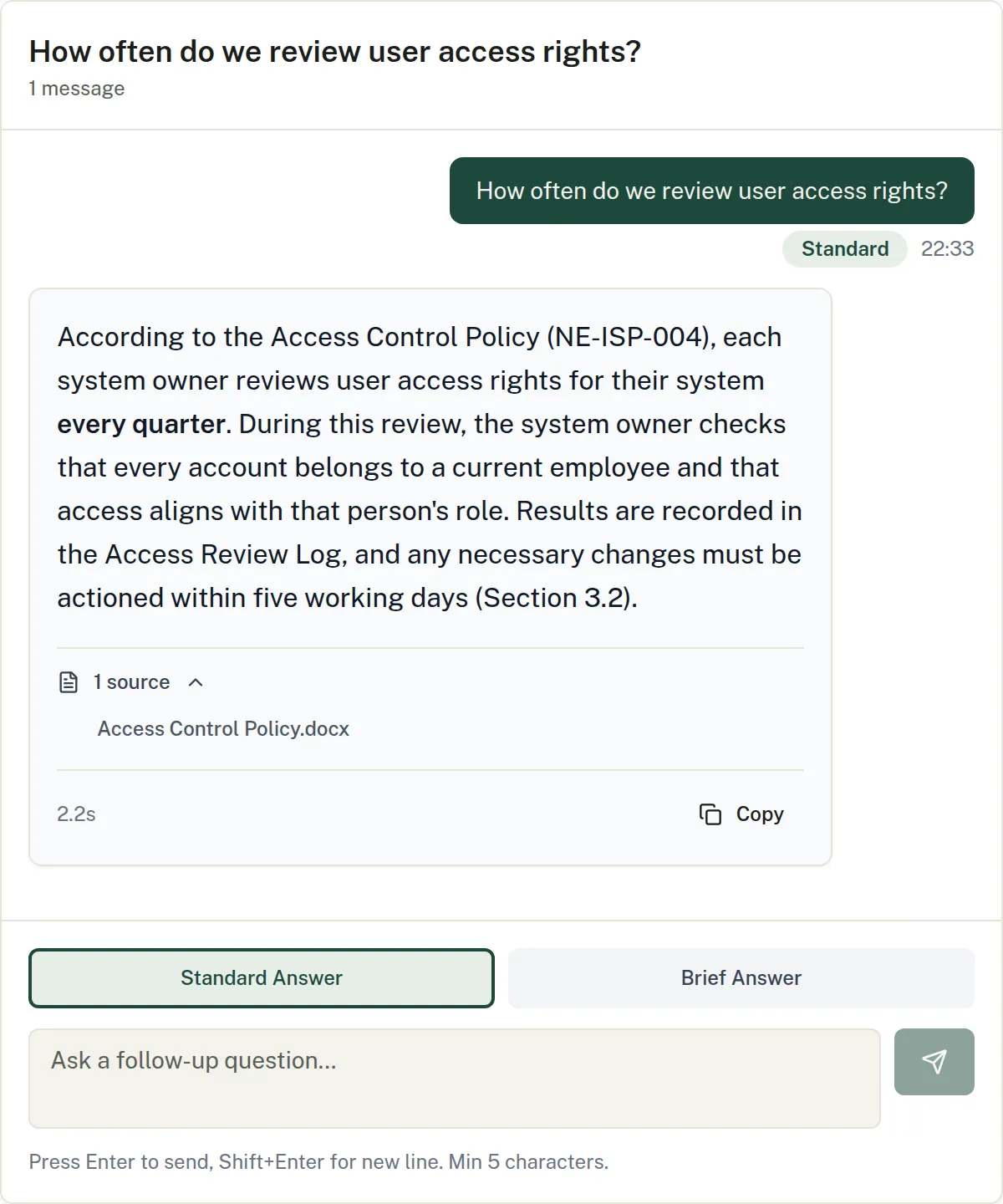
The Standard style gives the full answer, with the policy and section it comes from.
In detail
Two answer styles
Standard gives the full answer with policy references. Brief gives one or two sentences.
Conversations
Multi-turn chat with your documentation that keeps context between questions.
History and templates
Filter your question history and reuse question templates for the things you are asked often.
Semantic search
Search across all of your documents by meaning, not just by keyword.
Try it on your own documents.
Start a 14-day free trial. Or talk it through with us first.
Full platform access during the trial. AI features run on prepaid credit.